Website Pre-Launch Checklist: What to Check Before You Go Live
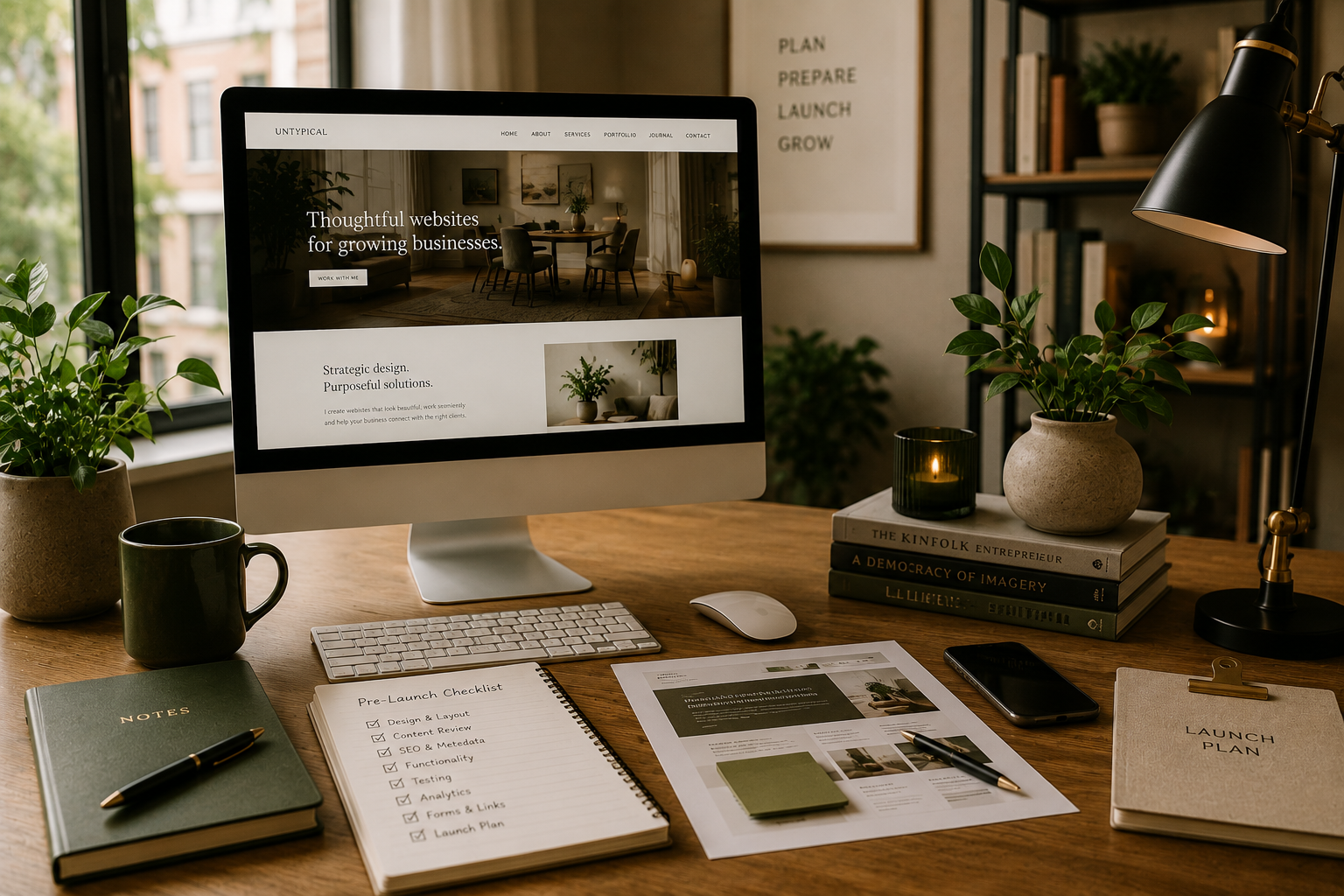
Launching a new website is exciting, but before you hit publish, it’s worth taking some time to make sure everything is working as it should. From checking your content and forms to reviewing SEO, mobile usability and the customer journey, a few final checks can help you catch problems before your visitors do.
It’s also worth thinking about what happens after your website goes live. A successful launch isn’t just about publishing the site; it’s about making sure the right people can find it, use it and understand what you want them to do next.
This pre-launch checklist covers some of the key things to review before your website goes live, along with a few practical ways to start getting it in front of your audience.
Choose a Memorable Domain Name:
Your domain name is an important part of your online identity, so choose something that’s easy to remember, easy to spell and closely connected to your business or brand.
Before committing to a domain, check that it’s available and think about which domain extension makes the most sense for your audience. For example, .ie can help signal an Irish presence, while .com may suit businesses operating across a broader or international market.
Make sure the domain is registered in an account you own and can access, and check the renewal cost as well as any introductory price. If someone else registers the domain on your behalf, you should still retain access and control of it.
Need more help choosing a domain? Read my guide to understanding domain names.
Optimise for Search Engines
Before launching, make sure the basic SEO foundations of your website are in place. Each important page should have a clear SEO title and meta description that accurately reflects its content, and your headings and page structure should make the information easy to understand.
Review your website copy to make sure it clearly answers the questions your audience is likely to have, and add relevant internal links where they genuinely help someone navigate your site. Images should also have descriptive alt text where appropriate.
Want to improve the copy on your website too? Read my guide to writing website content that speaks to the right audience and supports your SEO.

Once your website is live, connect it to Google Search Console and submit your sitemap so Google can discover and crawl your pages. SEO is an ongoing process, so continue reviewing and updating your content as your website and business evolve.
Review Your Website Content
Before launching, read through your website from the perspective of someone visiting for the first time. Is it immediately clear what your business offers, who it’s for and where someone should go next?
Check that your content is accurate, easy to understand and consistent across the site. Look for outdated information, spelling or grammatical errors, and make sure important details such as contact information, pricing and service descriptions are correct.
Calls-to-action should appear where they make sense in the customer journey, helping visitors take the next logical step without making every page feel overly sales-focused.
Not sure what that journey should look like? Read why your customer journey should come before website design.
Check Your Website Security
Website security should be considered before your site goes live, but what you need to manage will depend on the platform you're using.
Make sure your website is using HTTPS and that your domain, website platform and any connected services are protected with strong, unique passwords and two-factor authentication where available.
If you're using a self-hosted platform such as WordPress, make sure WordPress itself, your theme and plugins are kept up to date and that you have an appropriate backup and security setup in place. Hosted platforms such as Squarespace and Shopify manage much of the underlying infrastructure and security for you, but you should still keep your account and any third-party integrations secure.
Test Your Website
Before launching, test your website as though you were a customer visiting it for the first time. Check it on both desktop and mobile, and if possible, across different browsers and devices.
Click through your navigation, buttons and links to make sure they lead to the right places. Test contact forms and check that submissions actually arrive at the correct email address. If your website includes eCommerce, booking, payments or other functionality, test the complete customer journey from beginning to end.
Look for layout issues, awkward spacing, broken images and anything that's difficult to use on a smaller screen. It's also worth asking someone unfamiliar with the website to try it; they may spot something you've overlooked simply because you've been looking at the site for too long.
Finally, proofread the website one more time and check important details such as contact information, prices, opening hours and policies.
Once the website itself is ready, you can start thinking about how you’ll introduce it to your audience. You don’t need a huge launch campaign, but a little planning can help make sure your new website doesn’t simply go live unnoticed.
Consider a Coming Soon Page

A coming soon page can be useful if you already have people looking for your business online while your new website is being built. Keep it simple: explain who you are, what’s coming and, where relevant, when the website is expected to launch.
You might also include a way to contact you or sign up for updates, particularly if you already have an audience interested in your launch.
A coming soon page isn’t essential for every project, though. If your business doesn’t need a temporary online presence or you’re replacing an existing website, you may be better off keeping the current site live until the new one is ready.
Grow Your Email List
If email marketing is part of your wider strategy, your website launch can be a good opportunity to start or grow your mailing list.
You might invite people to sign up for useful updates, new content, product launches or other information that's genuinely relevant to your audience. If you're using a coming soon page, you can also give interested visitors the option to hear when the website goes live.
You don't necessarily need to offer a discount or incentive to encourage sign-ups. What's more important is being clear about what someone will receive and giving them a genuine reason to stay connected with your business.
Share a Preview
If you already have an audience on social media or through your email list, consider sharing a preview of your new website before it launches.
This could be a glimpse of the new design, a behind-the-scenes look at the project or a preview of a new product, service or feature that will be available when the site goes live.
Keep it relevant to your audience rather than feeling like you need to reveal every part of the website. A well-chosen preview can introduce the change and give people a reason to visit once the new site is live.
Plan Your Launch
Think about how you’ll let people know your new website is live. The right approach will depend on your business, your audience and the channels you already use.
This might include announcing the launch on social media, sending an email to your existing customers or subscribers, updating your business profiles and directory listings, or sharing the new website directly with clients and contacts.
If paid advertising, partnerships or other promotional activity are already part of your marketing strategy, you can incorporate your website launch into those plans too. You don't need to use every channel; focus on the places where your audience is most likely to see and engage with your business.
Launching a website is an important milestone, but it doesn’t need to be perfect or accompanied by a huge marketing campaign. The most important thing is that your website works properly, communicates clearly and gives your visitors a good experience.
Once it’s live, keep an eye on how people are using it, keep your content up to date and continue making improvements as your business evolves.
Ready to get started?
Getting ready to launch a website involves more than ticking off a checklist. If you're planning a new website or refreshing an existing one, I can help you bring the design, content and functionality together so everything is ready for launch.