Why Your Customer Journey Should Come Before Website Design
When you start thinking about a new website, it’s tempting to jump straight to the fun part. Colours, fonts, photography and how you want everything to look.
And while all of those things matter, they shouldn’t be where the design process begins.
A great website starts by understanding the people who are going to use it. What are they looking for? What do they need to know? What action do you want them to take, and how easy is it for them to get there?
That’s your customer journey, and it should shape everything from the pages you need and how your navigation works to the functionality and technology behind your website.
Because a website can look beautiful and still be frustrating to use. The goal isn’t simply to create something that looks good. It’s to create an experience that makes sense for your customers and works for your business.
01/ Start With Your Customer, Not Your Website
Before deciding what your homepage should look like, think about who is arriving there.
Someone visiting your website for the first time doesn't have the same knowledge of your business that you do. They need to quickly understand who you are, what you offer and whether it’s relevant to them.
Then think about what they came to do.
Maybe they want to book an appointment. Perhaps they need to compare your services, buy a product, find a price, understand how something works or simply decide whether they trust you enough to get in touch.
Those needs should determine the journey through your website.
Instead of starting with “What sections should I put on my homepage?”, start with questions like:
Who are my main customers?
Why are they visiting my website?
What information do they need before making a decision?
What questions or concerns might they have?
What do I ultimately want them to do?
Once you understand those things, the structure of your website becomes much easier to define.
02/ Map the Journey Before You Design the Pages
Once you understand who your customers are and what they need, the next step is to map out how they’ll move through your website.
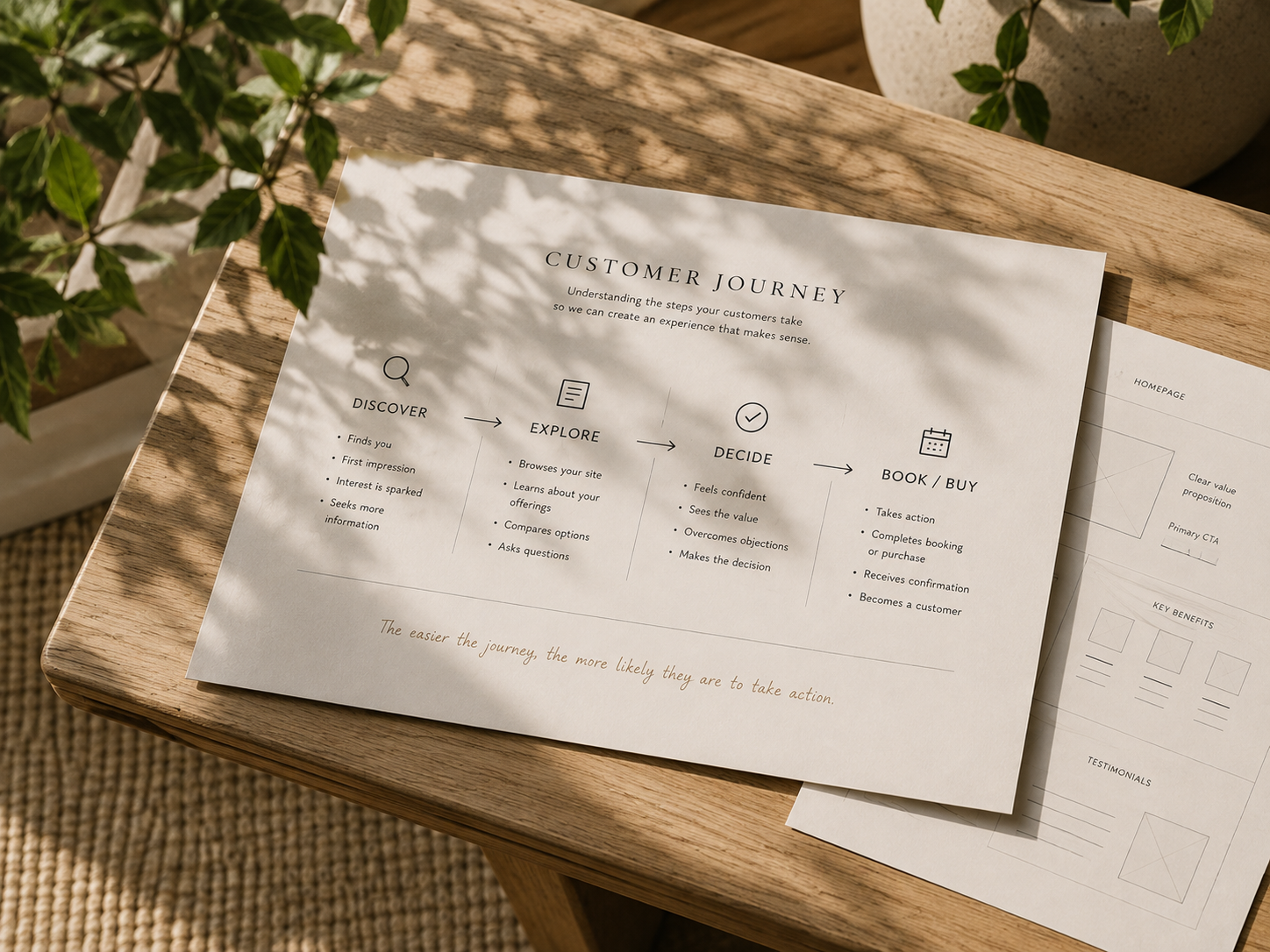
A customer journey doesn’t need to be complicated. At its simplest, it’s the path someone takes from discovering your business to deciding to take action.
They might:
Discover → Explore → Decide → Book or Buy
But between each of those stages, your website has a job to do.
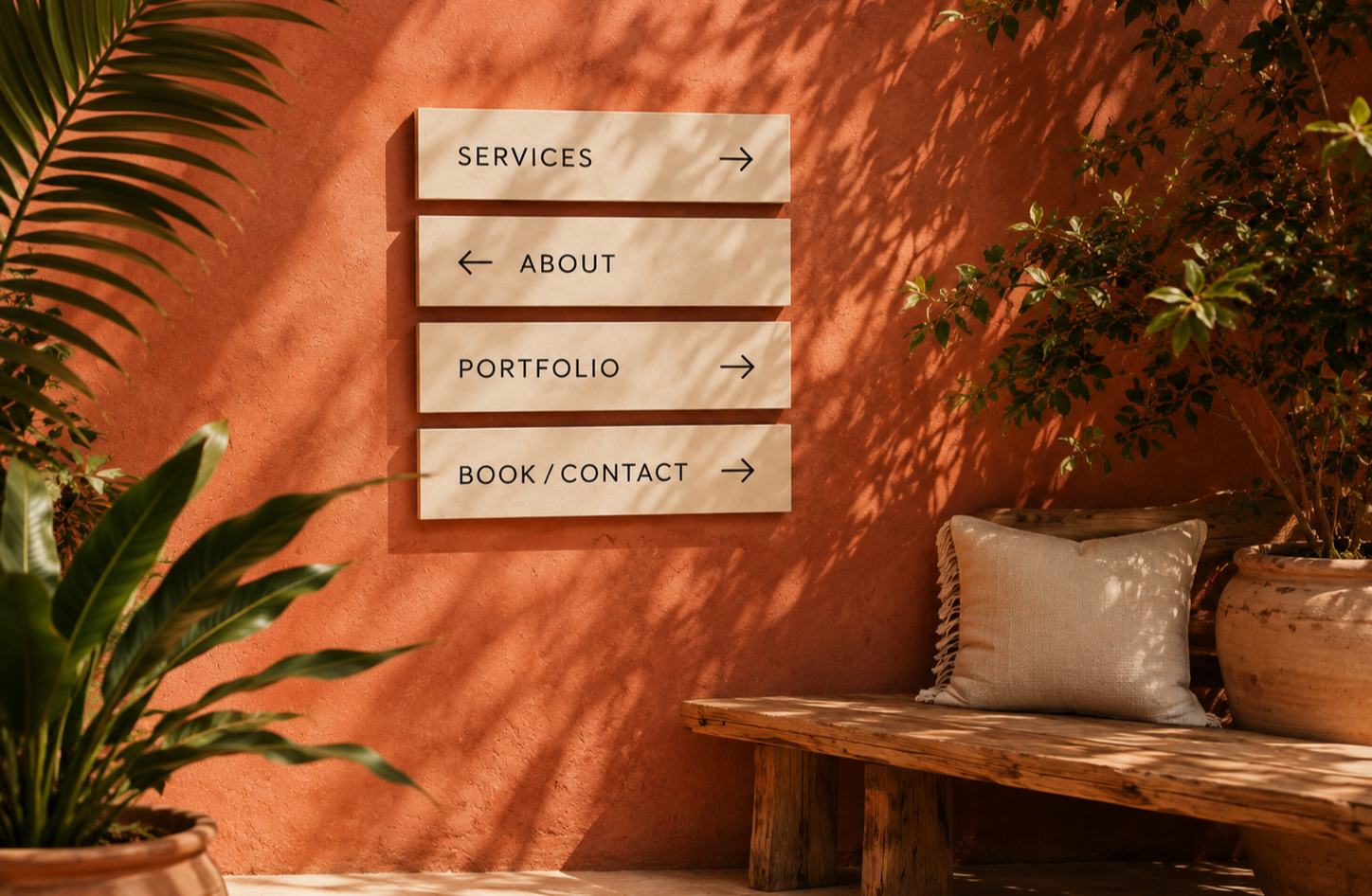
Someone who has just discovered your business may need to understand what you offer. Someone exploring their options might want to see your services, pricing, previous work or testimonials. And someone who is ready to make a decision shouldn't have to hunt around for a way to book, buy or get in touch.
This is why your website structure should be based on the journey rather than simply creating a collection of pages because every other website seems to have them.
Your homepage, services, about page, FAQs, portfolio and contact page should each have a purpose. They should answer a question, build confidence or help someone take the next logical step.
Once you've mapped out what each page needs to achieve, the next step is planning the content that will guide people through it. Read how to create website content that attracts and converts.
And not every customer will follow exactly the same path. Someone might arrive through Google directly onto a service page, while another person discovers you through social media and lands on your portfolio first. Good website structure gives people different ways in without leaving them wondering where to go next.
When you map that journey before designing the pages, you stop asking “What should my website have?” and start asking a much more useful question:
“What does my customer need next?”
03/ Functionality Comes Before Decoration
Once you understand the journey you want your customer to take, you can start thinking about the functionality needed to support it.
This is where website planning moves beyond pages and navigation.
If you want someone to book an appointment, for example, what actually needs to happen? Do they need to choose a service, select a date and time, pay online and receive a confirmation? Does the booking need to connect with a calendar or customer management system behind the scenes?
If you're selling products, the journey might involve filtering or searching, choosing variations, adding products to a basket, paying securely and receiving order updates.
Even something as simple as an enquiry form deserves thought. What information do you genuinely need from a potential customer? What happens after they submit it? And is completing a form even the easiest way for them to achieve what they came to do?
Functionality should solve a real need, not exist simply because a feature looks impressive.

Animated effects, clever layouts and interactive elements can absolutely enhance a website, but they shouldn't make it harder for someone to understand what to do next.
The same applies at the other end of the website. A feature might look effortless to the customer while creating unnecessary work behind the scenes if it doesn't fit with how the business actually operates.
A well-planned website considers both sides of the experience: the person using it and the business running it.
That means asking:
What does the customer need to be able to do?
What needs to happen behind the scenes?
Can any part of that process be made simpler?
Does this feature genuinely improve the experience?
Will it still make sense as the business grows?
When functionality follows the customer journey, you're not adding features for the sake of having them. You're building the tools the website actually needs to do its job.
04/ Choose the Technology That Supports the Experience
Once you know what your customers need to do and what needs to happen behind the scenes, you can make a much better decision about the technology that will power your website.

There isn't one platform that's right for every business.
Shopify might be a great choice for a business focused on e-commerce. Squarespace can work beautifully for a service-based business that needs a straightforward, easy-to-manage website. WordPress offers enormous flexibility when a website needs more complex functionality, integrations or room to grow.
But the platform should be chosen because it supports what the website needs to do, not simply because it's popular or familiar.
The same thinking applies to booking systems, payment providers, customer management tools, email marketing platforms and other integrations.
If you run a salon, you can also read my guide to choosing the right booking and management software for your salon.
Before adding another piece of technology, it’s worth asking:
Does it support the customer journey we've planned?
Does it integrate properly with the rest of the website?
Is it easy for the business to manage day to day?
Does it create unnecessary manual work or duplicate information?
Can it grow with the business?
Is the cost justified by what it actually adds?
Sometimes the simplest solution is the best one. Other times, investing in the right system early can save hours of manual work and prevent an expensive rebuild later.
Good technology should make the experience feel simpler, not make the business more complicated.
That's why choosing the platform and tools should come after understanding the customer journey and functionality, not before.
05/ Design Comes After Strategy
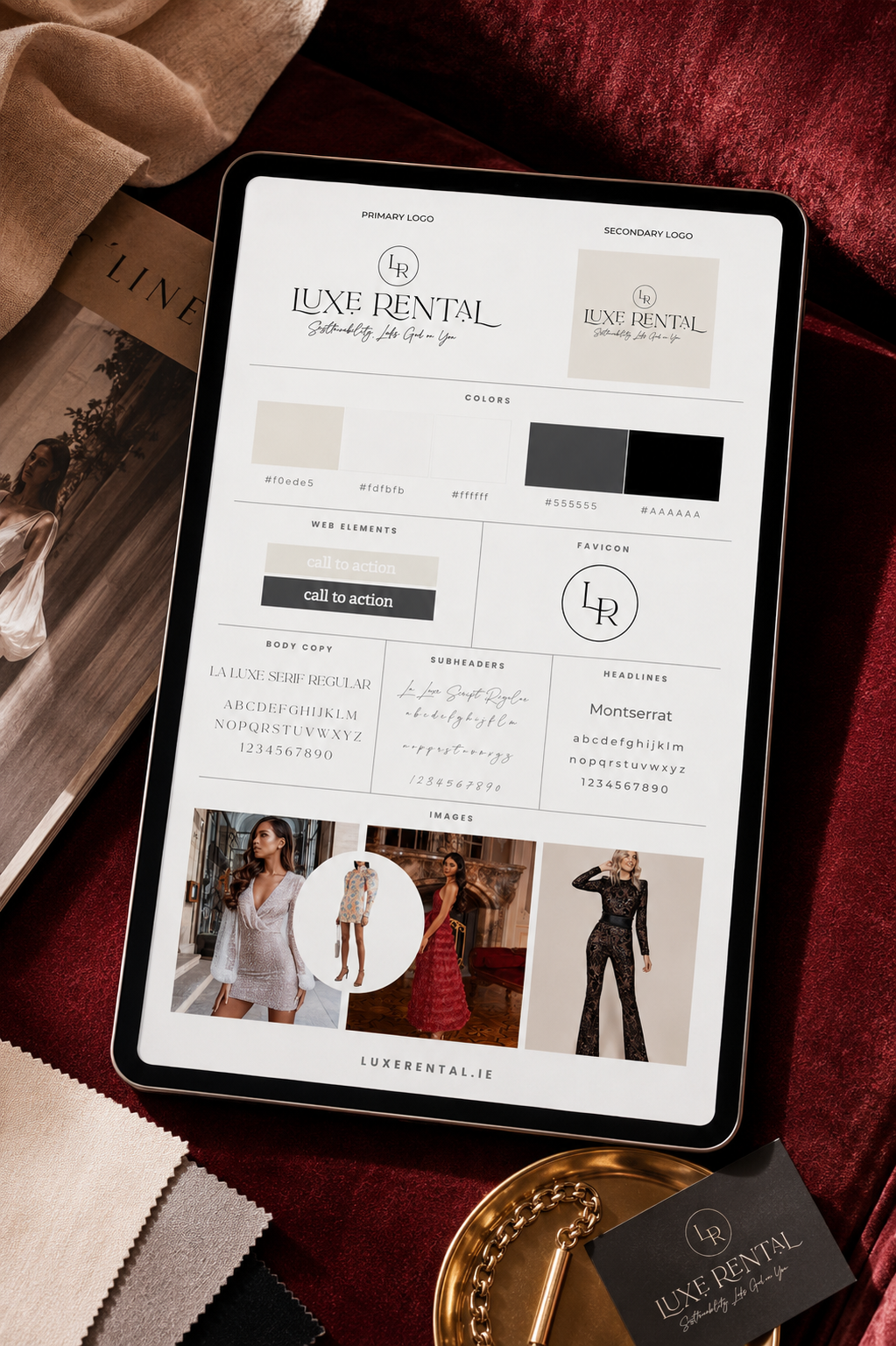
Once the customer journey, structure, functionality and technology are in place, it’s time to think about how the website should look.
This doesn’t mean visual design is less important. Far from it.
Your colours, typography, photography and overall style help communicate who you are before someone has read a single paragraph. They create personality, build recognition and help your business feel professional and trustworthy.
But good visual design works best when it has something solid underneath it.
A beautiful homepage can’t fix confusing navigation. The perfect colour palette won’t make a complicated booking process easier. And an impressive animation isn’t particularly impressive if it gets in the way of someone trying to find your prices.
By starting with strategy, visual decisions become more purposeful too.
Instead of asking “Which colour do I like?”, you can ask:
“What should this website feel like to the person using it?”
Calm and reassuring? Bold and energetic? Premium and considered? Friendly and approachable?
Your visual identity can then reinforce the experience you've already designed rather than trying to create the experience on its own.
And this is where the fun really starts. Because when strategy and design work together, you don't have to choose between a website that's beautiful and one that's functional.
You can have both.
06/ Bring It All Together
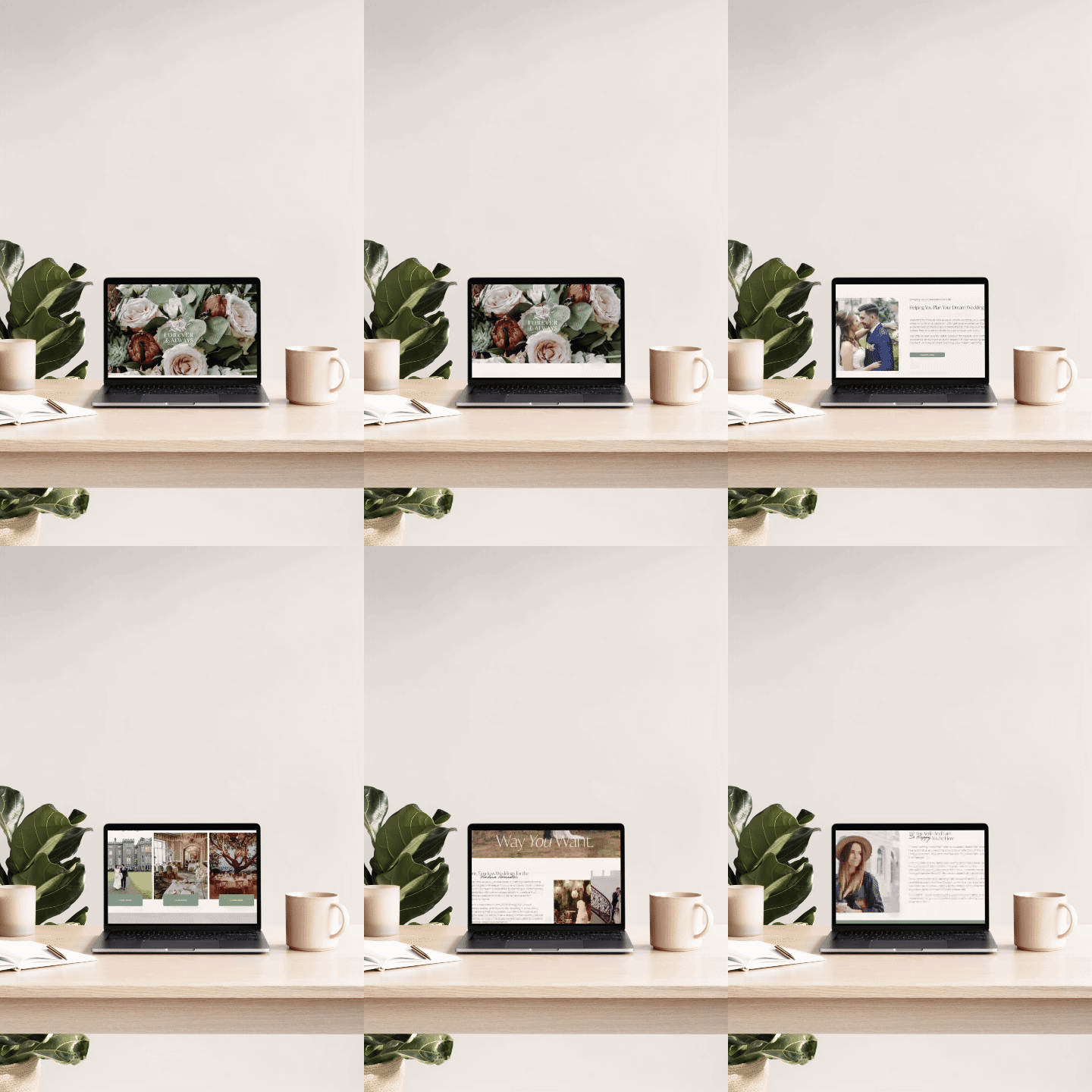
By the time you reach the visual design stage, a lot of the most important decisions about your website have already been made.
You know who you're designing for, what they need, how they should move through the website, what functionality will support them and which technology makes sense for the business.
Now those pieces can start working together.
The customer journey shapes the structure. The structure supports the functionality. The technology makes that functionality possible. And the visual design brings everything together into an experience that feels cohesive, intuitive and unmistakably yours.
This is also why good website design isn't really a collection of separate decisions.
Changing one part can affect another. Adding a new service might change the customer journey. Introducing online booking could affect the technology you need. Expanding an e-commerce range might require a different way for customers to browse and find products.
Thinking about the website as a complete system makes it much easier to make those decisions intentionally.
The goal isn't simply to build a website. It's to create an experience that works from the moment someone arrives to the moment they take action.
And when all of those pieces work together, the result isn't just a website that looks beautiful.
It's a website that makes sense for your customers, supports the way your business actually works and has room to grow with you.
Your Website Should Work as Well as It Looks
A beautiful website matters, but the best websites are built on much more than good visual design.
When you start with your customers, understand the journey they need to take and choose the functionality and technology to support it, design becomes the final layer that brings everything together.
The result is a website that doesn't just look like your brand. It works for your customers, supports your business and makes it easier for people to take the next step.
Ready to get started?
If you're planning a new website or wondering whether your current one is really working for your customers, I can help you shape the customer journey, structure and functionality before bringing the design to life.